Uranus Planet Cursor

Uranus Planet cursor cursor pack
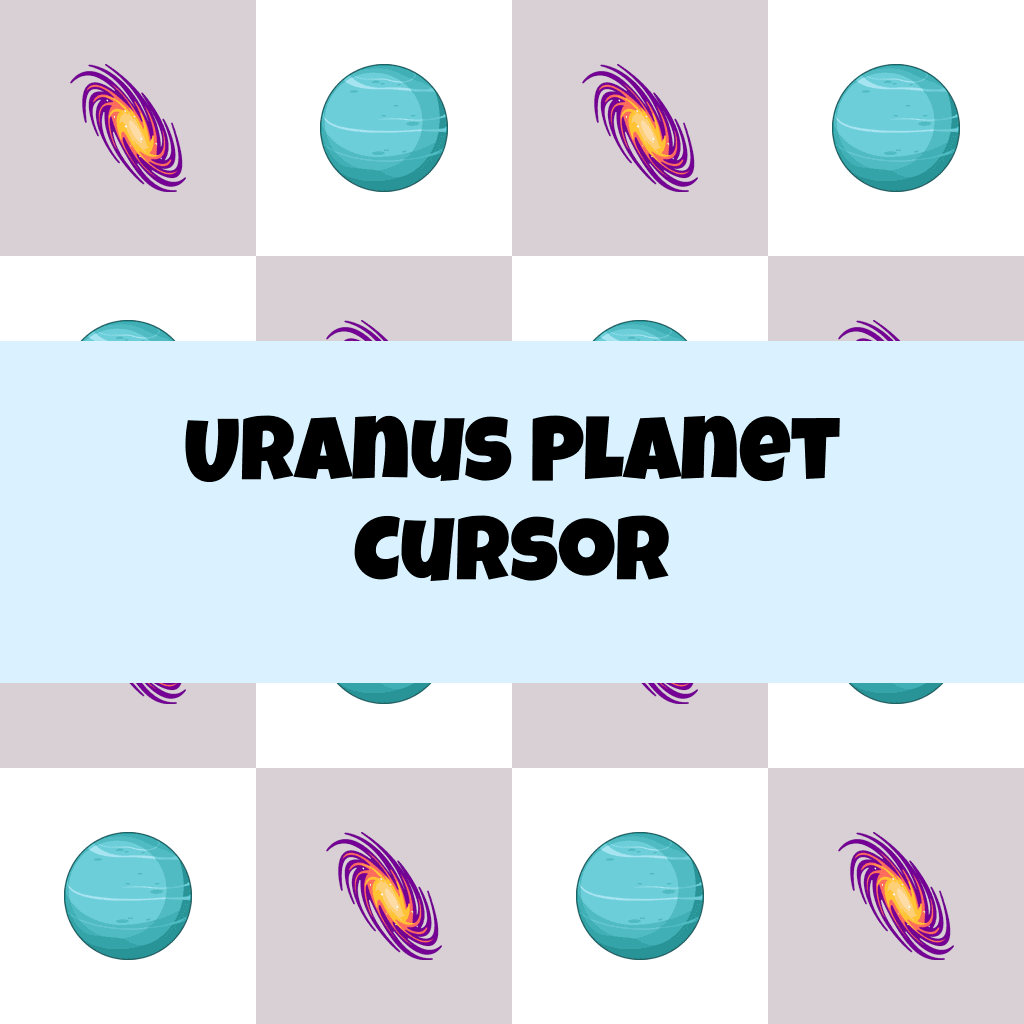
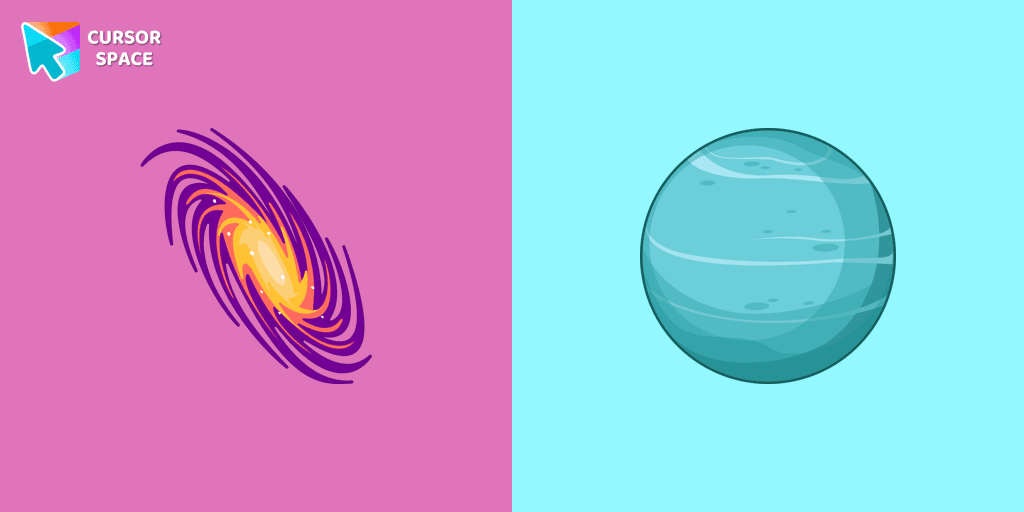
Preview Uranus Planet cursor custom cursor pack
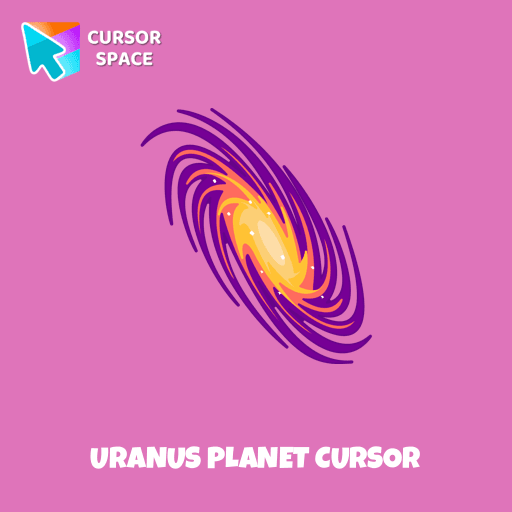
Uranus Planet cursor arrow cursor
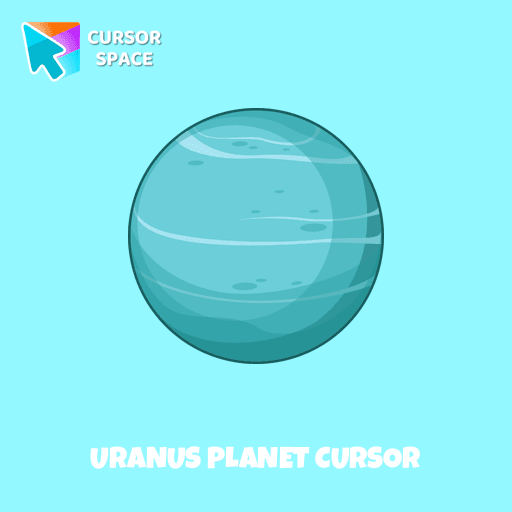
Uranus Planet cursor pointer cursor

Description

Explore the mysteries of the solar system with a custom cursor for Google Chrome. Uranus, the seventh planet from the Sun, comes to life with our well-designed custom galaxy cursor. Transform your browsing experience with the Space custom cursors collection, featuring unique and captivating designs. Add a touch of space exploration to your screen and make your cursor stand out today.

This is an excellent choice for astronomy enthusiasts and individuals who appreciate distinctive and engaging browsing experiences.

What's included in the package

  • Default Cursor
  • Pointer (Hand)

How to install a custom cursor pack Uranus Planet Cursor
  1. Install the Cursor Space extension for Chrome or Cursor Space for Edge in your browser.

  2. On this page, click "Add this cursor pack to the extension".

  3. Open the extension and go to the Packs tab.

  4. Find the custom cursor pack "Uranus Planet cursor" and click it.

  5. Enjoy!

Ready to install?

Get this cursor pack and thousands of others by installing our extension. It's fast and free!

About this cursor pack

Uranus Planet Cursor is a themed cursor pack you can add to your browser to personalize your pointer across common cursor states (default and pointer). Use it for everyday browsing, streaming, studying, or gaming-anywhere you want your cursor to match your vibe.

Instant preview

See how the cursors look before installing.

Easy install

Add the pack to the extension in a few clicks.

Works in your browser

Designed for Chrome and Edge via the extension.

FAQ

Quick answers to common questions about cursor packs, collections, and installation.

Do I need an extension?

Yes. To apply cursor packs in Chrome or Edge, install the Cursor Space extension and add this pack to it.

Which browsers are supported?

Cursor packs are designed for Chromium browsers like Chrome and Microsoft Edge.

How do I switch back to the default cursor?

Open the extension, choose another pack or disable the current one to return to your default cursor.

Popular cursors today

Custom cursor and packs - neon, anime, pixel art. Quickly add to Chrome and Microsoft Edge for free

  • TOP 1
    Among Us Jester Character cursor

    Among Us Jester Character cursor

    (77)
    Free

    This cursor has been added to the game as part of the recent update and has quickly gained popularity among fans.

  • TOP 2
    Stormtrooper Pixel cursor

    Stormtrooper Pixel cursor

    (77)
    Free

    Stormtrooper Pixel cursor for a mouse is a good fan art to decorate your browsing. Blaster rifle comes together with the custom cursor with Stormtrooper Pixel.

  • TOP 3
    Grogu cursor

    Grogu cursor

    (78)
    Free

    Our Grogu cursor is an adorable addition to your mouse, allowing you to enjoy the cuteness of the beloved character from Star Wars as you navigate your screen.

  • Easter Cake cursor

    Easter Cake cursor

    (25)
    Free

    The cake custom cursor from our Easter cursors collection for mouse and pointer.

  • Djimmi the Great cursor

    Djimmi the Great cursor

    (76)
    Free

    Transform your browsing with the Djimmi the Great custom cursor. This custom cursor for Google Chrome brings the magic of Cuphead to your screen.

  • Aqua cursor

    Aqua cursor

    (25)
    Free

    Enhance your browsing with the alluring Aqua custom cursor. Upgrade your custom cursor for Google Chrome and enjoy a fresh, stylish pointing experience.

  • Upside down cursor

    Upside down cursor

    (26)
    Free

    Have fun with the Upside Down custom cursor prank. This custom cursor for Google Chrome flips the screen, confusing friends and bringing endless laughs.

  • Red Line cursor

    Red Line cursor

    (24)
    Free

    Enhance your experience with The Red Line custom cursor, which combines sleek minimalism with bold style and practical design for desktop and browsing.

  • Lightning cursor

    Lightning cursor

    (90)
    Free

    Transform your Chrome experience with custom cursors like Lightning and Star Wars themes. Add style and fun to your screen today!

  • Scared cursor emodji

    Scared cursor emodji

    (24)
    Free

    Scared Cursor Emoji is a fun and expressive custom cursor for Google Chrome. With a wide-eyed startled emoji, it adds a playful touch of fright to your screen.

  • Ruby cursor

    Ruby cursor

    (1.3k)
    Free

    Ruby custom cursor for Google Chrome helps you track text input and operations in Ruby coding. Improve text processing and editing efficiency with ease.

  • Rainbow Pixel cursor

    Rainbow Pixel cursor

    (75)
    Free

    Add an attractive rainbow custom cursor for the mouse and pointer.

Collection hits

Installation leaders from "Custom Space Cursors": free packs, neon/anime/pixel art, quick add to Chrome and Edge.

  • TOP 1
    Brave Astronaut cursor

    Brave Astronaut cursor

    (23)
    Free

    The well-designed Astronaut custom mouse cursor from our collection of custom space fiction mouse cursors.

  • TOP 2
    Astronaut cursor

    Astronaut cursor

    (21)
    Free

    A well-designed custom cursor in the form of a constellation, from our fantastic collection of solar system cursors with planets and space.

  • TOP 3
    Friendly Alien cursor

    Friendly Alien cursor

    (16)
    Free

    A well-designed custom cursor in the form of a flying UFO, from our fantastic collection of solar system cursors with planets and space.

Install Cursor Space - A Collection of Custom Cursors for Chrome & Edge

Add packs instantly and unlock access to thousands of cursors: neon, anime, pixel-art, and more. Fast, safe, and free.

  • Free cursor packs
  • HD/HiDPI & animated icons
  • Quick browser installation

Cursor Space is an extension for changing your mouse cursor in Chrome and Edge browsers: themed collections, HiDPI icons, neon, animated, and pixel cursors, with quick installation.

Install Extension

To use packs with one click, you need our free browser extension. Install it and come back!